
In order to work with Hibernate we need to install it. We are going to install a program pack called JBoss which contains a lot of useful apps.
Follow up closely
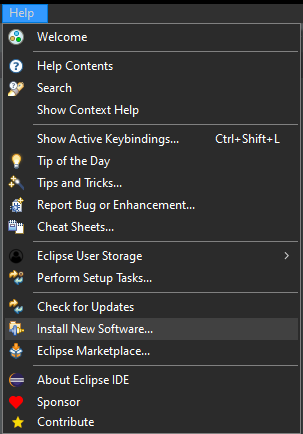
Add a new Software. Go to Help tab > Install New Software.
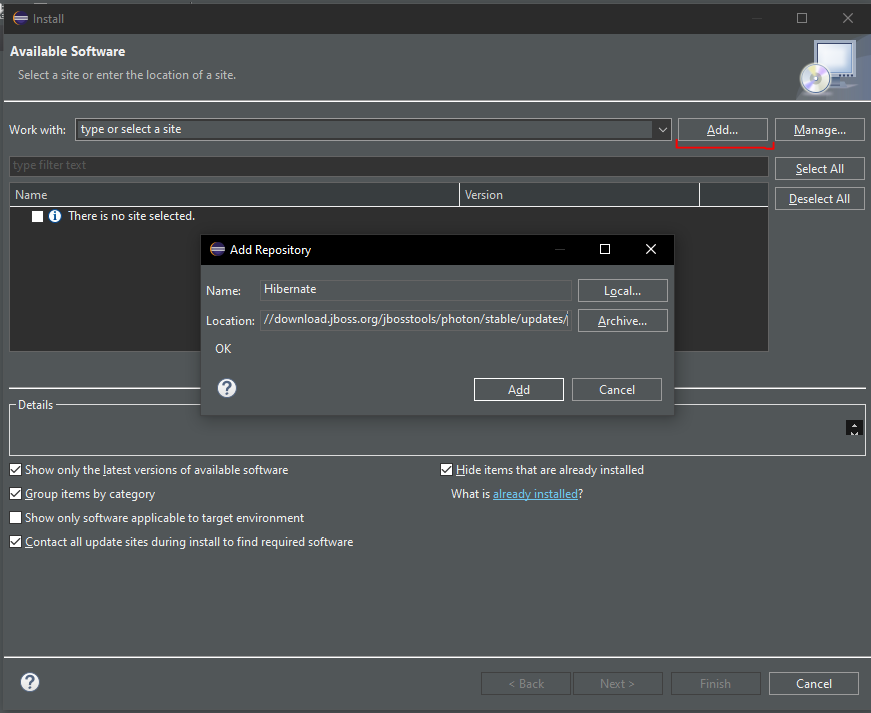
In this window, click on Add.. and then in the small window we need to name the repository and paste this link: https://download.jboss.org/jbosstools/photon/stable/updates/.
Then click on Add
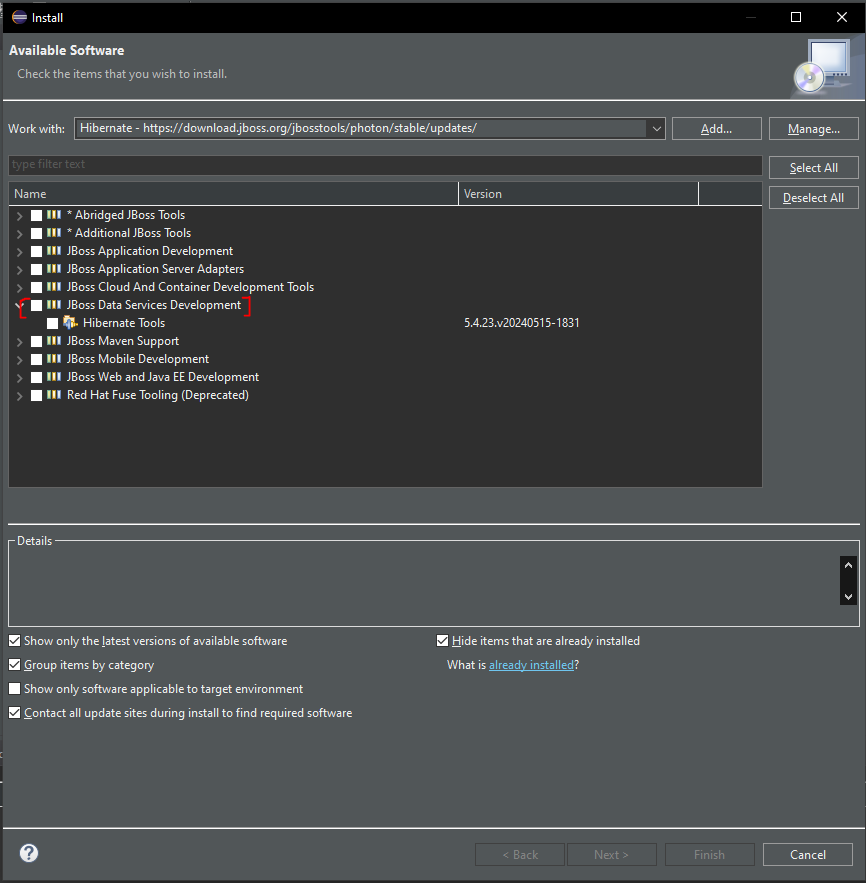
After that, eclipse will display all the repositories available, we need to choose JBoss Data Services Development, then click the check of Hibernate Tools,
Click Next and eclipse will download the repository. It takes some time, so wait patiently.

Now eclipse will show us a quick review about whats is gonna be installed. Click on Next
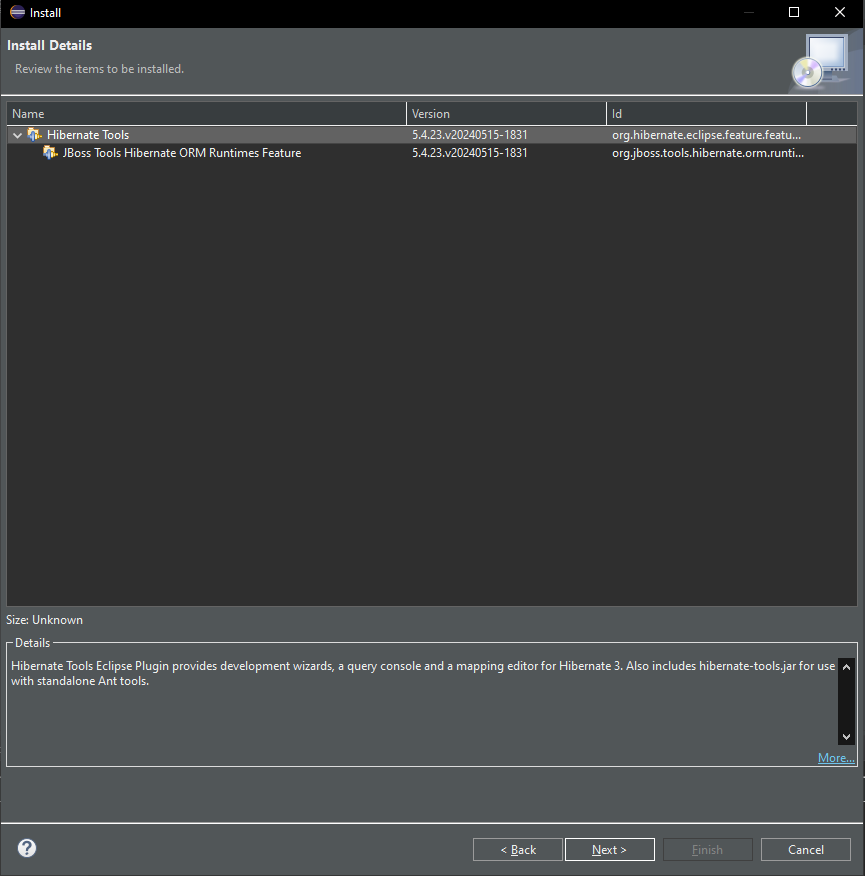
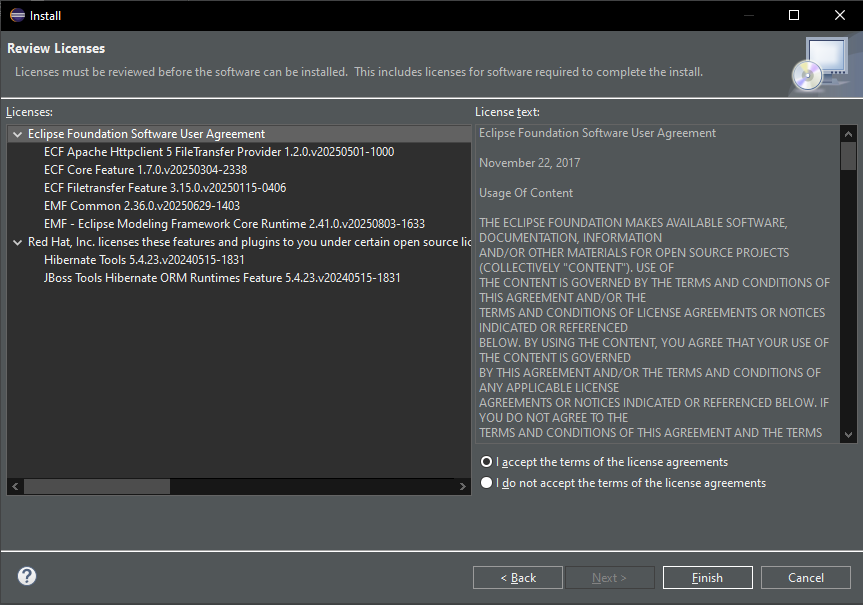
Here we need to accept the terms and agreements, then click on Finish
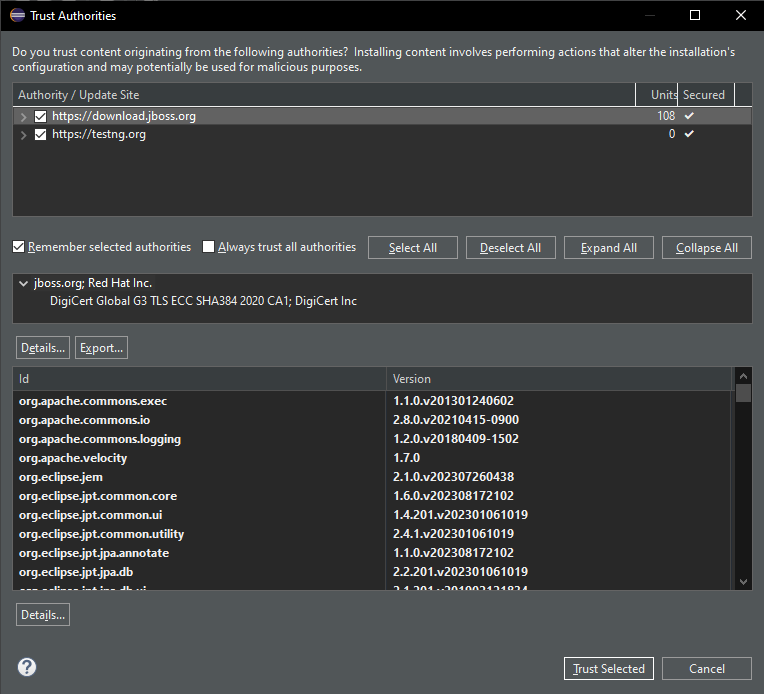
Now this window will pop up, here we need to check both Authors “https://download.jboss.org” and “https://testng.org” and then click down below Trust Selected.
Make sure you select all Authors, else, you cant continue with the installation
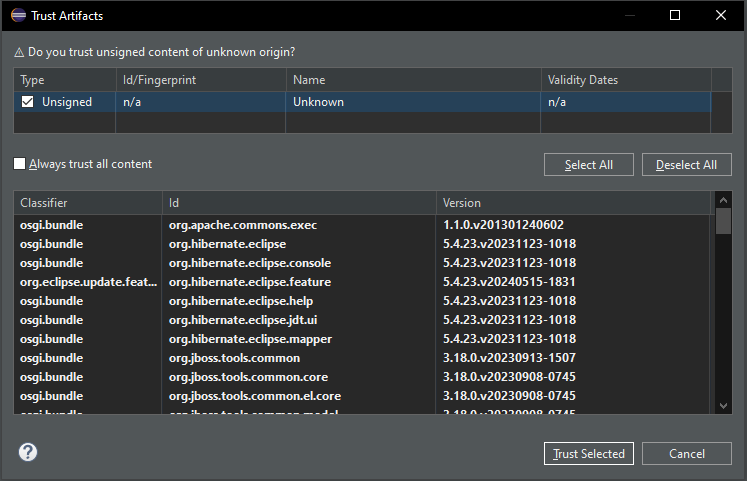
And once again we to trust “Unsigned”, then click Trust Selected.
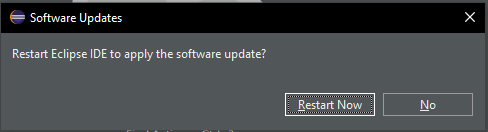
Once eclipse finishes the install, he asks us to restart the IDE. Click Restart Now.
Yessir installation finished!
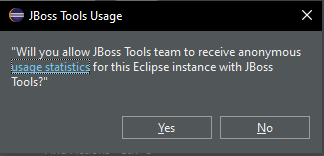
When eclipse starts it will asks us if we want to send Diagnostic Data, i usually say No.
That’s all lads!