
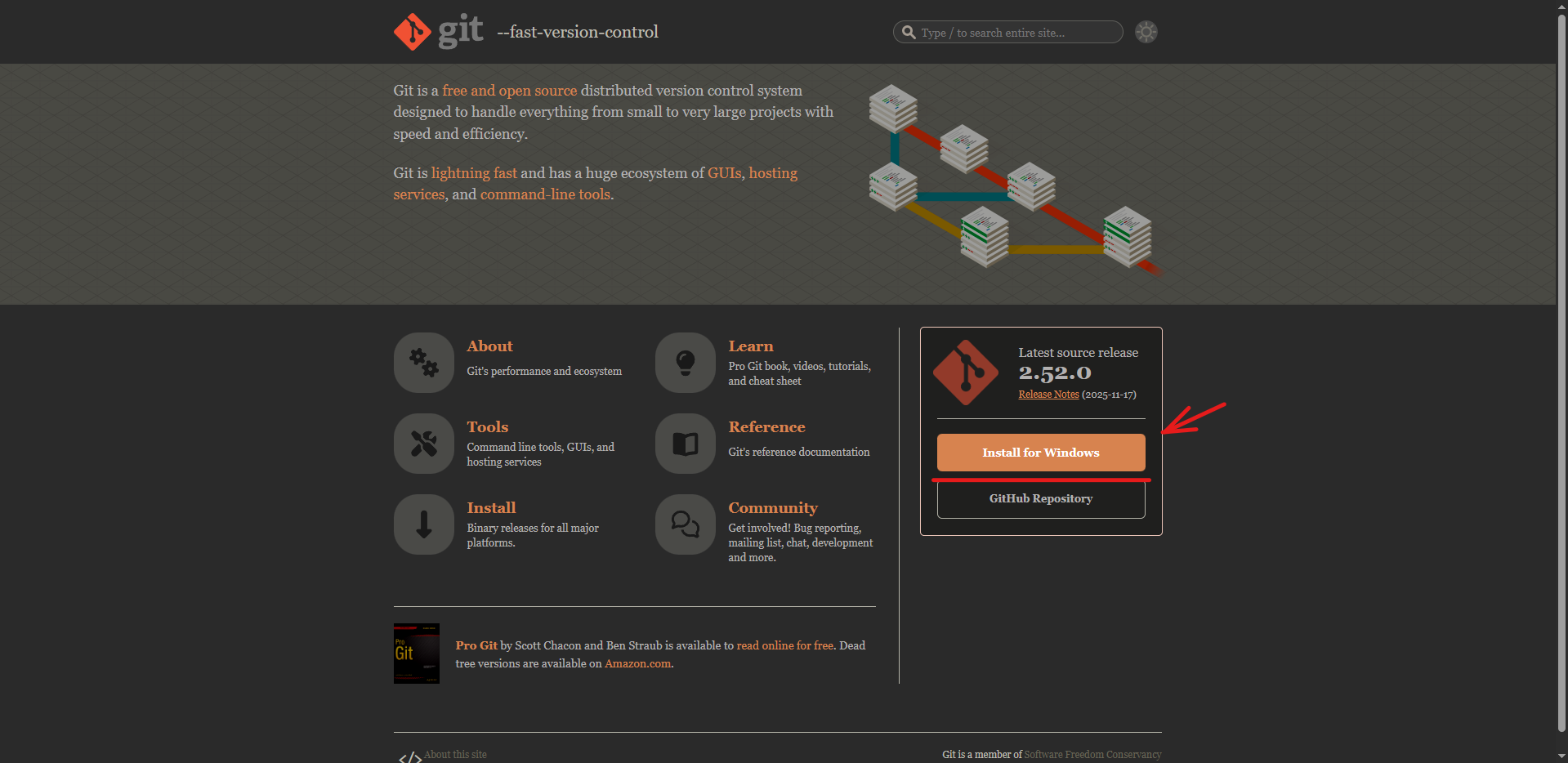
First of all, we go to this page Here and we go to Install For Windows
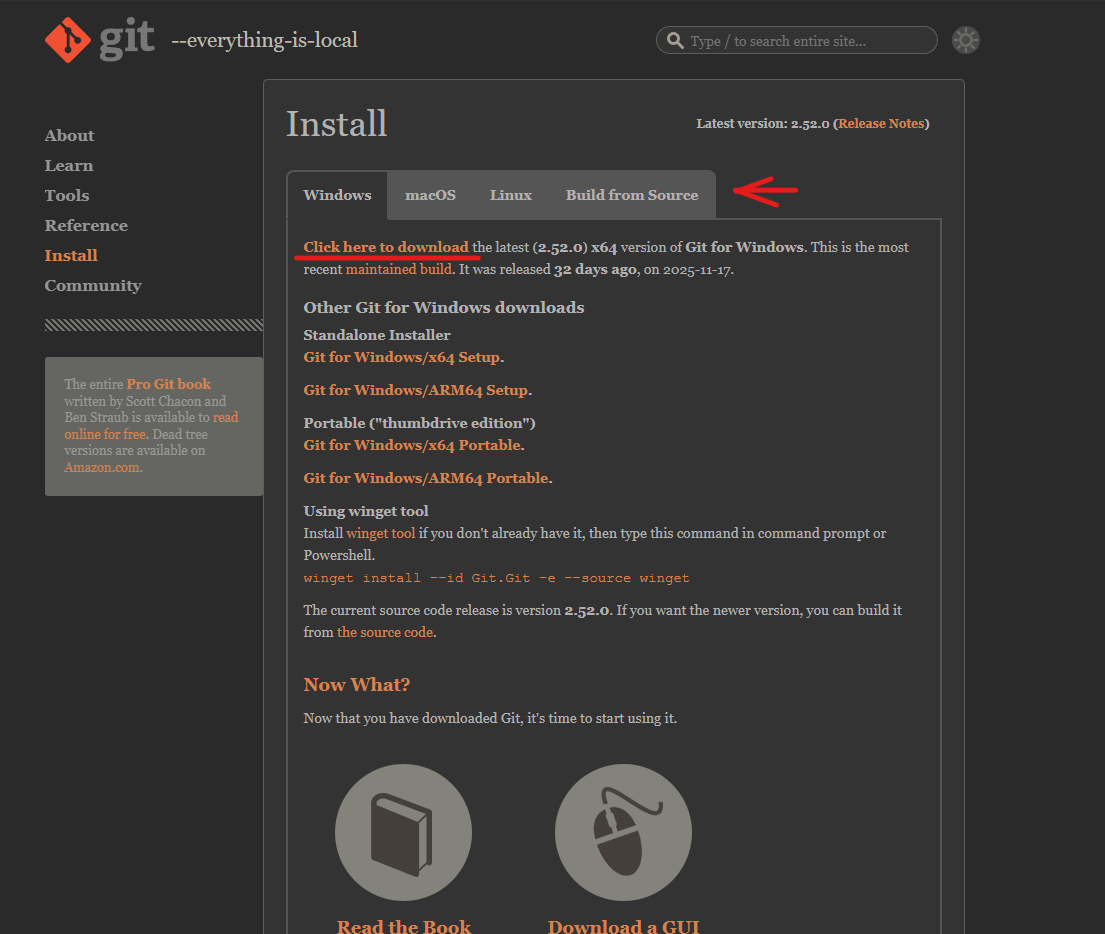
it will take us to this page, here we select our operating system and then click on Click here to download, then a .exe will start to download
The installation is pretty straight forward, “next → next → next → Install”.
The setup at some point will ask you if you want to use Vim as default editor or use Visual Studio Code. Choose the one you like. Visual Studio Code is recommended
Lets continue on with Setting Up Git on Eclipse.